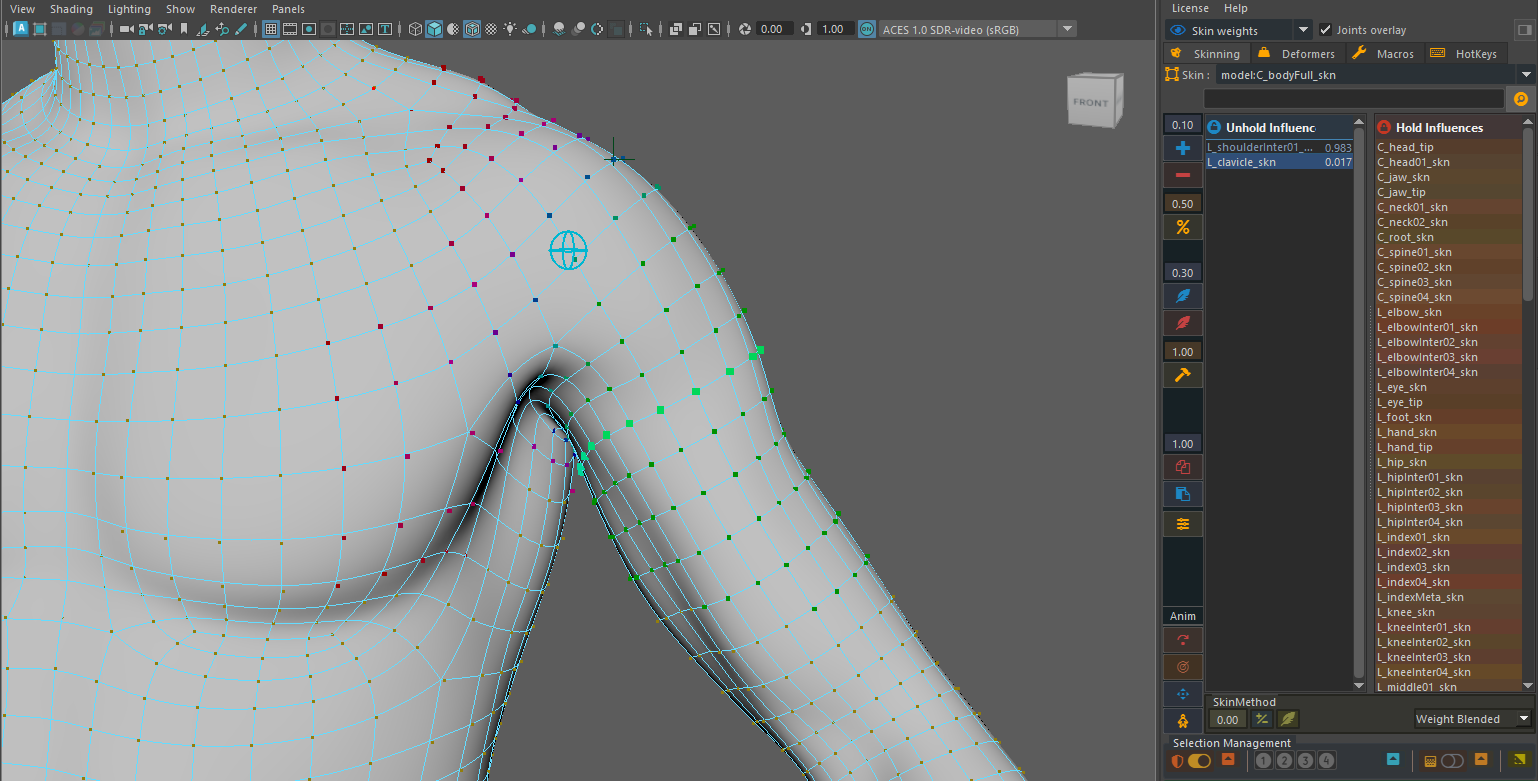
Important: While weight visualization is enabled, mcSkinningBee temporarily sets the mesh's vertex display size to 0 so Maya's vertex markers do not obscure the weight colors (vertexSize attribute in Mesh component display section of the shape in Attribute Editor).
This is a display setting only: it does not change the mesh's geometry or weights. Closing mcSkinningBee or disabling weight visualization restores the normal vertex display size.
Component mode and custom renderer
Weight visualization is only active in component mode, such as vertex or CV mode. Switch to component mode to see the weight colors; they are not displayed in object mode.
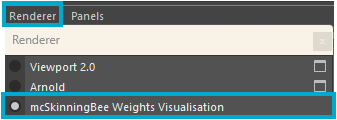
mcSkinningBee uses the custom viewport renderer MC_beeWeightsVisualisation to draw the weight visualization.
Other geometry types
The temporary vertex-size change applies only to polygon meshes. NURBS curves, NURBS surfaces, and lattices do not receive an equivalent change: mcSkinningBee does not set their CV or lattice-point display size to 0.